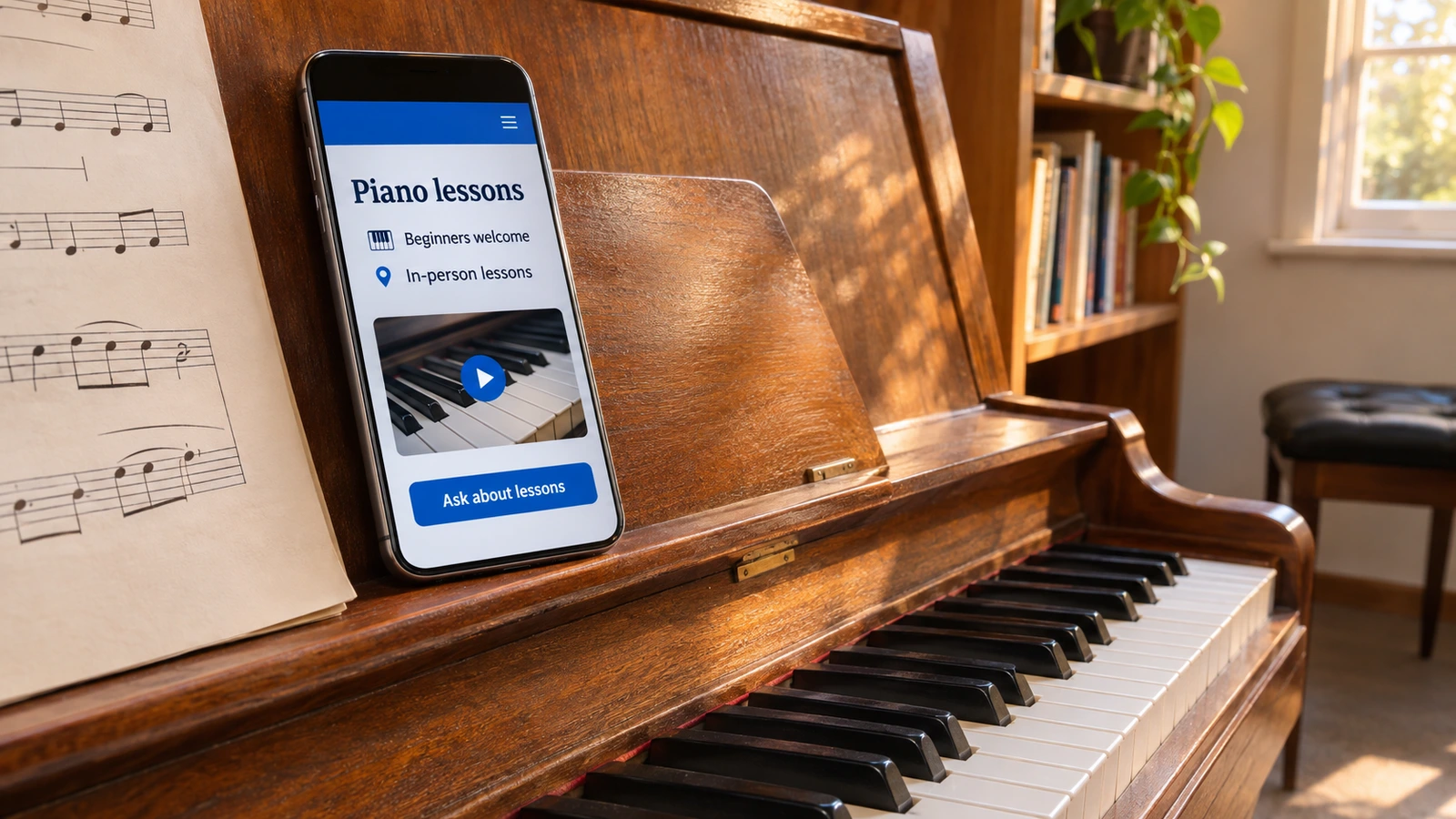
A video of your teaching can answer questions that a paragraph cannot. A parent can hear how you explain an exercise; an adult beginner can see whether the lesson feels approachable. I would keep that useful evidence. I would question whether every visitor needs to download the entire video player before reading what you teach or asking about lessons.
The Brazos Valley Music Teachers Association describes a local community of instrumental, vocal, and piano teachers in and around Bryan and College Station. My example here is a hypothetical independent piano teacher with a short introduction video. It does not describe an association member's website or claim that any particular teacher has a speed problem.
The lesson information has a job before the video does
I would begin with the visitor's immediate questions: do you teach this instrument and level, where do lessons happen, and how can I ask about a place? The page should answer those questions in ordinary text. Someone who cannot play audio, prefers reading, or has a weak connection should still have a useful route forward.
Then I would inspect what the page loads before anyone presses Play. A third-party player can bring scripts, styles, network connections, and other resources alongside the video. The file containing your introduction may be small while the surrounding player is expensive. Compressing the uploaded recording alone will not necessarily remove that initial work.
I compare the same lesson page with and without the player loading immediately in a controlled preview. I want to know whether the main content appears sooner, the inquiry button responds, and the layout stays steady. That comparison helps me isolate a cause. I would not blame the video merely because an automated report lists it.
I distinguish loading later from loading on request
A browser can delay an offscreen embedded frame until it approaches the visible area. Google's guidance on lazy-loaded frames explains that approach. It is useful when the introduction sits well down a long teacher biography. It may save little on the initial visit if the video is already near the top.
A different approach is to show a lightweight preview image and an actual Play button, then load the player when the visitor chooses it. Developers sometimes call that a facade. I would explain it to the owner as a video preview that leaves the full player waiting until it is needed.
Google's video performance guidance discusses this compromise for third-party embeds. The recording remains available; its player is removed from the first part of the loading sequence. I would use the provider's supported embed rather than building a substitute that breaks its controls or misrepresents where playback comes from.
The tradeoff is a possible delay after Play. If nearly every visitor comes specifically to watch the demonstration, immediately loading the player may be reasonable. If most visitors first compare lesson details, an optional preview can be a better fit. I want that decision grounded in the page's purpose.
A lighter preview still needs careful implementation
I would choose an approved thumbnail, size it for the space, and reserve its dimensions so the text does not jump when it arrives. A giant image is a poor replacement for a heavy player. If the preview is the main visible image near the top, I would not automatically delay that image as well and leave a blank rectangle.
The Play control needs a clear accessible name, such as Play the piano lesson introduction. It should work with a keyboard, have visible focus, and become the supported player through a deliberate interaction. I would test where focus goes after replacement and whether the visitor can reach the playback controls without starting over.
I would also keep important lesson information outside the recording and include the appropriate captions or text alternative for its content. Faster loading does not make an inaccessible video acceptable. In this example, a visitor should not have to hear the recording to discover the location or learn how to inquire.
A failed player request needs a small, honest fallback. I would show that the video could not load and offer a relevant alternative, such as opening the approved video destination, while keeping the lesson details and inquiry path usable. A permanent loading animation tells the visitor nothing useful.
I check what contacts the provider before Play
A preview is not automatically private because the player has not appeared. Its image might still come from the video provider, and a developer might have added an early network connection. I would inspect the actual requests before making any claim about which outside systems the page contacts.
If avoiding those requests until the visitor chooses playback is part of the requirement, I would use an authorized locally served preview and review the other resources. Consent handling, analytics, and provider configuration need to agree with the site's actual policy. I would not describe a performance change as a complete privacy solution.
The content editor also needs a maintainable arrangement. Ideally, the teacher supplies one approved video address, a preview, and a useful label through the existing content system. I would avoid a repair that requires a developer to replace hand-written embed code whenever the introduction changes. The next edit should preserve the loading behavior.
Here is what I would ask the provider to prove
Before accepting the change, I would repeat the initial visit and the playback interaction on mobile and desktop. I would check that the player is absent from initial network activity where intended, that Play still works, and that lesson inquiries remain usable if the provider is unavailable. Keyboard access and layout stability belong in that same review.
I would compare several equivalent before-and-after runs instead of promising a particular score. Useful evidence includes less initial player work, earlier usable content, successful playback, and no broken inquiry path. If the original player contributes little delay, I would investigate the actual bottleneck rather than commission this change for its own sake.
Pixeldust Interactive's website speed optimization service can assess that tradeoff for a College Station business. Sometimes a normal video link or one supported embed is enough. Tell me which page makes customers wait and what they need to do there. I would start with that task, then decide what can reasonably wait.