The person who builds a feature knows how it is supposed to work. Quality assurance asks whether it actually works for everyone else—then proves the answer before release.
Fresh eyes Independent functional reviewRepeatable checks Automation suited to the stackRelease evidence Proof instead of assumptions
Why separation matters
The builder cannot be the only judge.
Developers understand the architecture, the intended path, and the decisions behind the work. That knowledge is valuable during implementation—and it can make familiar behavior feel obvious. A customer does not arrive with that map.
When the same person builds, interprets, and approves everything, assumptions can survive because the reviewer already knows what a button means, which field is required, or which path was expected. We separate implementation checks from objective functional review so someone approaches the work as a user would: without hints.
Work that has not been proven functional is not finished. A release that creates confusion, loses inquiries, or breaks an existing path can hurt more than the feature helps.
Two complementary lanes
Automation catches repetition. People catch reality.
Neither lane replaces the other. Automated checks are fast, consistent, and repeatable. Human review finds ambiguity, awkwardness, missing context, and the failures that occur between technically valid steps.
01 / AUTOMATED QA
Make predictable failures difficult to reintroduce.
We choose checks appropriate to the project’s technology, scope, and risk. A small marketing site and a transaction-heavy application do not need identical test suites.
Linting and static analysis to catch code-quality problems, invalid patterns, and common mistakes before release.
Build validation to prove the deployable version compiles and packages successfully.
Unit and integration tests where business rules, data handling, or connected systems need repeatable proof.
End-to-end checks for critical flows such as forms, account actions, booking, checkout, or intake.
Regression testing to confirm a new change did not quietly break behavior that already worked.
Accessibility, link, and markup checks where automated inspection can find objective defects efficiently.
02 / HUMAN QA
Use the product without the developer’s mental map.
A fresh reviewer follows the interface, not the implementation notes. That is how we expose the gap between “the code ran” and “the experience made sense.”
Acceptance-criteria review against what the work was supposed to accomplish.
Real-task walkthroughs using the paths a customer, employee, or administrator actually takes.
Responsive and browser review across representative phones, tablets, and desktop layouts.
Forms and notifications checked from submission through delivery and confirmation.
Usability and accessibility review for labels, focus, readability, contrast, instructions, and error recovery.
Edge cases such as incomplete data, incorrect input, slow responses, empty states, and unexpected navigation.
The exact test mix is defined by the project. We do not inflate a simple site with ceremonial process, and we do not treat a critical workflow like a brochure page.
The release path
Quality is designed into the work—not scheduled as a last-minute favor.
Testing at the end is useful. Testing throughout is safer. Our QA path creates checkpoints while changes are still small enough to understand and correct.
01
Define success
We turn the scope into observable acceptance criteria: what must happen, for whom, and under which conditions.
02
Plan the risk
We identify critical paths, integrations, devices, data, and existing behavior that a change could affect.
03
Check while building
Developers run focused checks during implementation instead of waiting for a large defect pile at the end.
04
Run automation
Applicable lint, build, test, accessibility, and regression checks run against the release candidate.
05
Review with fresh eyes
An objective human tester follows real tasks, records defects, and evaluates the experience without coaching.
06
Fix and retest
A fix is not accepted because the code changed. We reproduce the original failure, verify the correction, and check nearby behavior.
07
Verify production
After deployment, we confirm the public URL, critical actions, forms, tracking, and representative pages in the live environment.
Release versioning
Every release needs an identity.
“It worked on my machine” is not a release record. We tie a tested release to an exact source revision so we know what changed, what was verified, and which version reached production.
For many projects, that means a GitHub release pipeline: isolate work in a branch, review the change, run the applicable automated checks, and deploy the exact commit that passed QA.
This creates a readable history instead of a pile of overwritten files named final, final-2, and—because humanity never learns—final-really-final.
01
Isolate the change
New work is separated from the live version while it is built and reviewed. That limits accidental changes and keeps the comparison understandable.
02
Record the source
Version control records the exact code revision and its change history. We can inspect what moved instead of reconstructing it from memory.
03
Define the candidate
The release candidate is a specific revision—not whichever files happen to be open. Applicable dependencies and configuration requirements are recorded with it.
04
Test that version
Automated checks and human QA run against the same candidate intended for release. If the code changes after testing, the affected checks run again.
05
Publish the proven build
The deployed version is built from the recorded source revision so production can be traced back to the work that passed review.
06
Keep a rollback point
We retain the last known working release so a code rollback is available when recovery is safer than troubleshooting in public.
Proof over theater
A green check is evidence—not the whole verdict.
Passing automation can prove that specific rules held under specific conditions. It cannot prove that the message is clear, the workflow is sensible, or a customer will know what to do next. Human approval without repeatable checks has the opposite weakness: it can miss quiet regressions.
We use both and keep the evidence proportional to the risk of the release.
01
Test results
The applicable build, lint, automated, and regression checks have a clear pass or failure state.
02
Functional findings
Human review records what was tested, what failed, what changed, and what was retested.
03
Known limitations
If access, third-party behavior, legacy code, or scope limits what can be proven, we say so plainly.
04
Live verification
A successful local build is not proof of production. We confirm the deployed experience where customers will use it.
What we protect
The paths that make the work valuable.
QA effort follows business impact. A cosmetic defect and a failed inquiry form are not the same problem, even when both fit neatly into a ticket.
Customer action
Can people complete the job?
Calls to action, forms, bookings, payments, account steps, downloads, and handoffs must work from start to finish.
Existing behavior
Did the new work break the old?
Regression checks protect important functions, URLs, data, layouts, and integrations that the release was not meant to change.
Real environments
Does it hold up outside the developer’s screen?
We check representative browsers, screen sizes, public URLs, and the actual production configuration.
Trust
Does failure leave the user stranded?
Clear validation, useful error states, accessible controls, and honest recovery paths protect the customer relationship.
“We were really impressed with Pixeldust’s level of expertise and commitment to the project.”
Gaea ConnaryMarketing Manager · Convio, Inc.
Proven before release
Need a team that tests the work—not its own confidence?
Tell us what you are building, repairing, or replacing. We will define the appropriate human and automated QA approach with the scope.
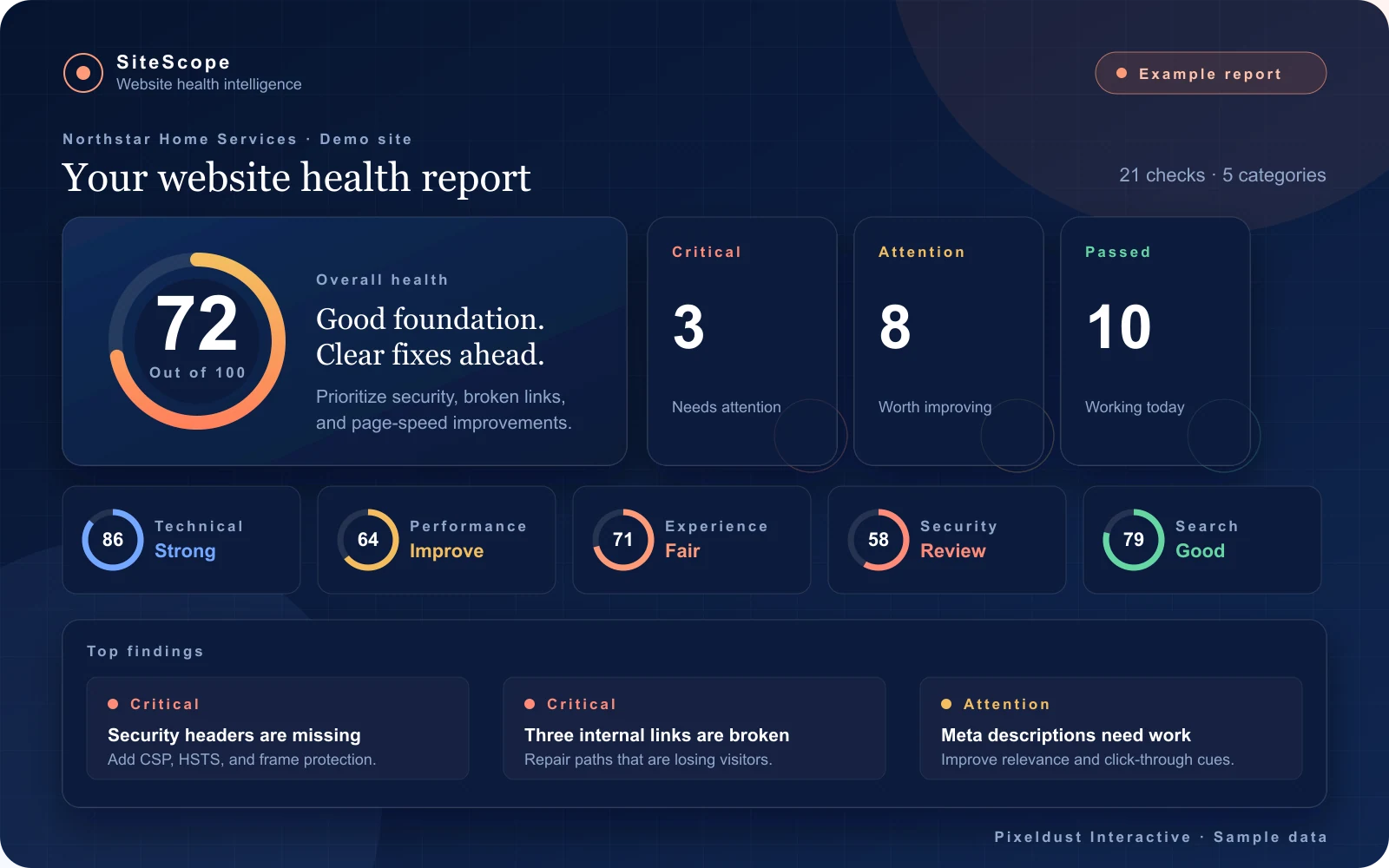 Explore the full 21-point report →