
WordPress is friendly enough for a business owner to publish a page, add a photograph, or correct a paragraph. There is still plenty to learn: which editor your site uses, where the header lives, why one button changes everywhere, and whether an update is actually visible to customers.
I like using chat to reduce that friction. With WPVibe connected, ChatGPT or Codex can work on the WordPress site instead of handing you instructions to translate into clicks. You explain the result you need. The useful part is having the assistant find the right place, make the intended change, and show you what happened.
First, give the conversation a connection to your site
OpenAI's WPVibe listing describes tools for WordPress content, media, site inspection, supported administrative work, and draft themes. You need the WPVibe WordPress plugin on a suitable site, the connection in your AI client, and an authorized WordPress account.
I would start with the vendor's current client setup guide, because ChatGPT and Codex expose connections differently. Availability can depend on your account and workspace. Use the normal authorization screen; you should not need to paste your main WordPress password into a conversation.
Before editing, I ask the assistant to identify the connected website, active theme, and relevant builder. A chat that can discuss WordPress is not necessarily connected to your installation. WPVibe is an editing connection for the owner; installing it does not automatically put a chatbot on the public website.
The small distinction that prevents many confusing edits
I explain three places a change can belong. Content is the wording or photograph on a particular page. A template controls a reusable layout, such as the arrangement of every article. Shared parts include things like the header or footer. Settings and plugins add another layer of behavior.
WordPress's Template Editor documentation explains how templates provide page layouts. When you ask for a change to “this page,” I want to know whether it should affect that page alone or every page using the same layout.
The assistant should also use the correct method for the installed editor. A normal block page, an Elementor page, and a Divi layout do not store everything the same way. This is where the connection earns its place: the request can stay conversational while the work respects the site's actual structure.
Four small requests that can save an owner real effort
Consider a hypothetical College Station catering business. Visit College Station's meeting-venue guide documents the local event setting, from conference hotels to distinctive meeting spaces. The following examples are imagined editing requests, not descriptions of a client or a listed venue.
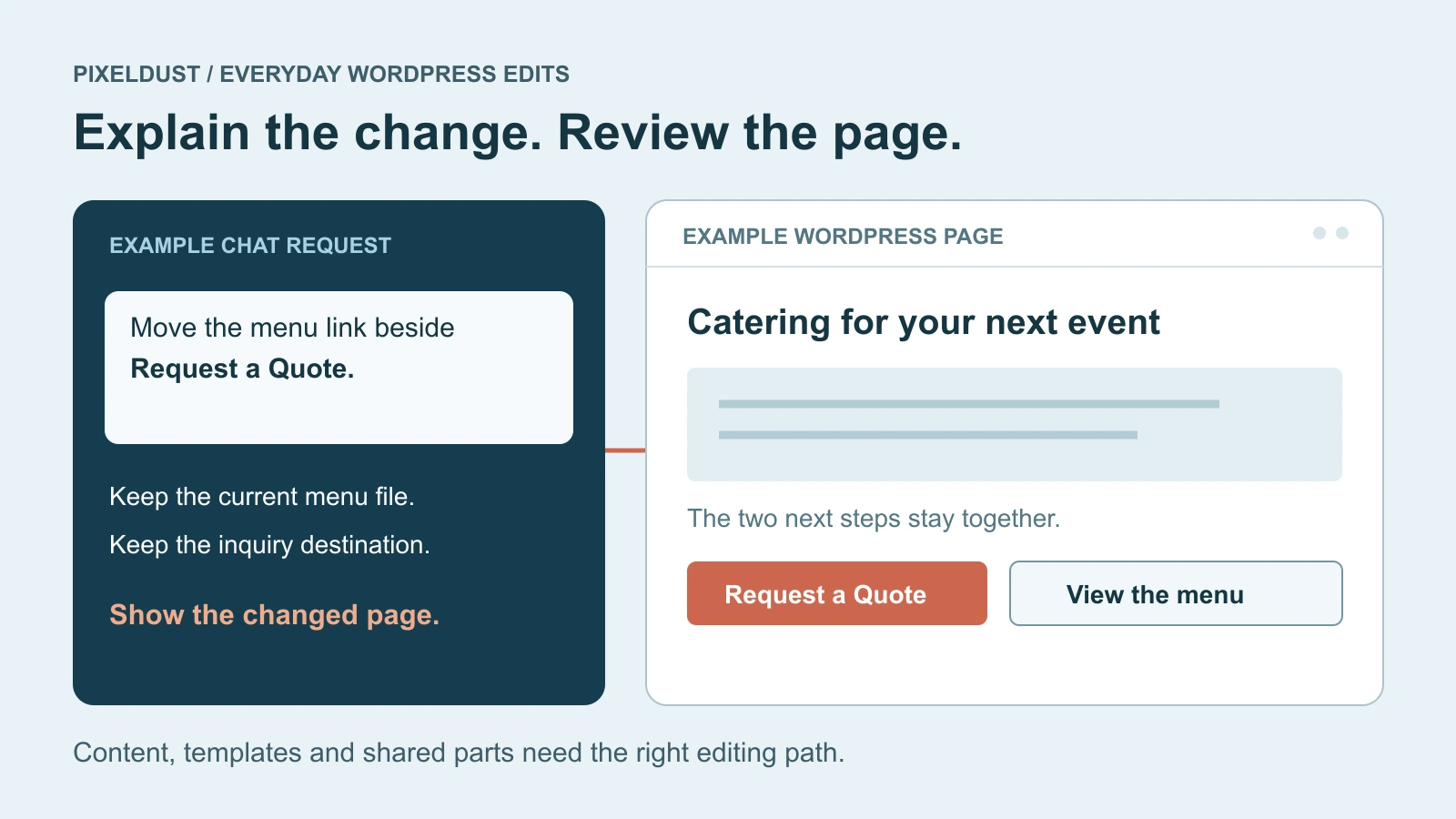
Make approved information easier to find. “On the catering page, move the existing menu download beside Request a Quote. Keep the current menu file and inquiry destination.” I would check the file, the page section, and whether the change belongs in the page content or a reusable component.
Add an answer without rebuilding the page. “Add the approved answer below to the catering FAQ. Match the existing questions and save it for review.” This is useful when a repeated customer question deserves a permanent answer. The owner supplies the policy; the assistant should not invent a deposit, lead time, or cancellation term.
Improve a cramped mobile control. “On phones, give the quote button more room and separate it from the adjacent link. Keep the desktop layout and button destination. Prepare a theme preview if that is the appropriate editing path.” I would judge the actual phone view, including whether the button remains easy to reach.
Correct a shared detail deliberately. “Find the old brochure link in the footer. List the places that use it, then replace it with this approved file.” A shared correction can be quick, but its reach matters. I check more than the first page where the problem was noticed.
The same connection can do more than rewrite paragraphs
WPVibe's public tools reference covers content and media work, theme files, site inspection, supported update operations, and capabilities exposed by installed plugins. Depending on the site, that can include preparing posts, organizing categories, adding an approved image, inspecting a layout problem, or reviewing available updates.
I would treat a store price, form behavior, or plugin update as its own task. Those changes can have consequences beyond appearance. “It can be requested in chat” does not mean every request should be bundled into one large instruction or accepted without checking the installed plugin's support.
Know what the preview actually protects
For supported theme-file work, WPVibe offers a draft and preview workflow. I can review a proposed design before publishing it. Hosting restrictions and the theme's structure can limit which edits are available, so I check that capability before promising a particular change.
A theme draft is not a complete copy of the WordPress database. Content, settings, builder records, and some Site Editor saves can affect the live site separately. I ask whether the specific task needs a draft page, staging copy, or another review route. I also want a recent backup covering files and database before consequential work.
My final check follows the visitor's task: read the revised content, open the menu file, use the button, and check the phone layout. If caching hides the change, I verify the public result after the appropriate refresh. A successful tool message is useful evidence, but the customer-facing page settles the question.
Use chat where it helps you maintain the website
If you already enjoy the WordPress editor and only need to correct one sentence, I would keep using it. WPVibe becomes especially helpful when the request crosses several places or you need help understanding the existing site. It reduces the mechanics; someone still needs to approve the business facts and judge the result.
When an installation is already fragile, I start with Pixeldust Interactive's WordPress diagnosis and repair work before adding another editing workflow. For a sound site, I would begin with one useful change and measure the time to an accurate result, the rework, and whether the owner can request the next edit confidently.
Tell me which edits keep getting put off. I can help assess the site and establish a practical chat-based editing workflow.